
Cympha Mobile Studio
3D scans and case files, on your phone
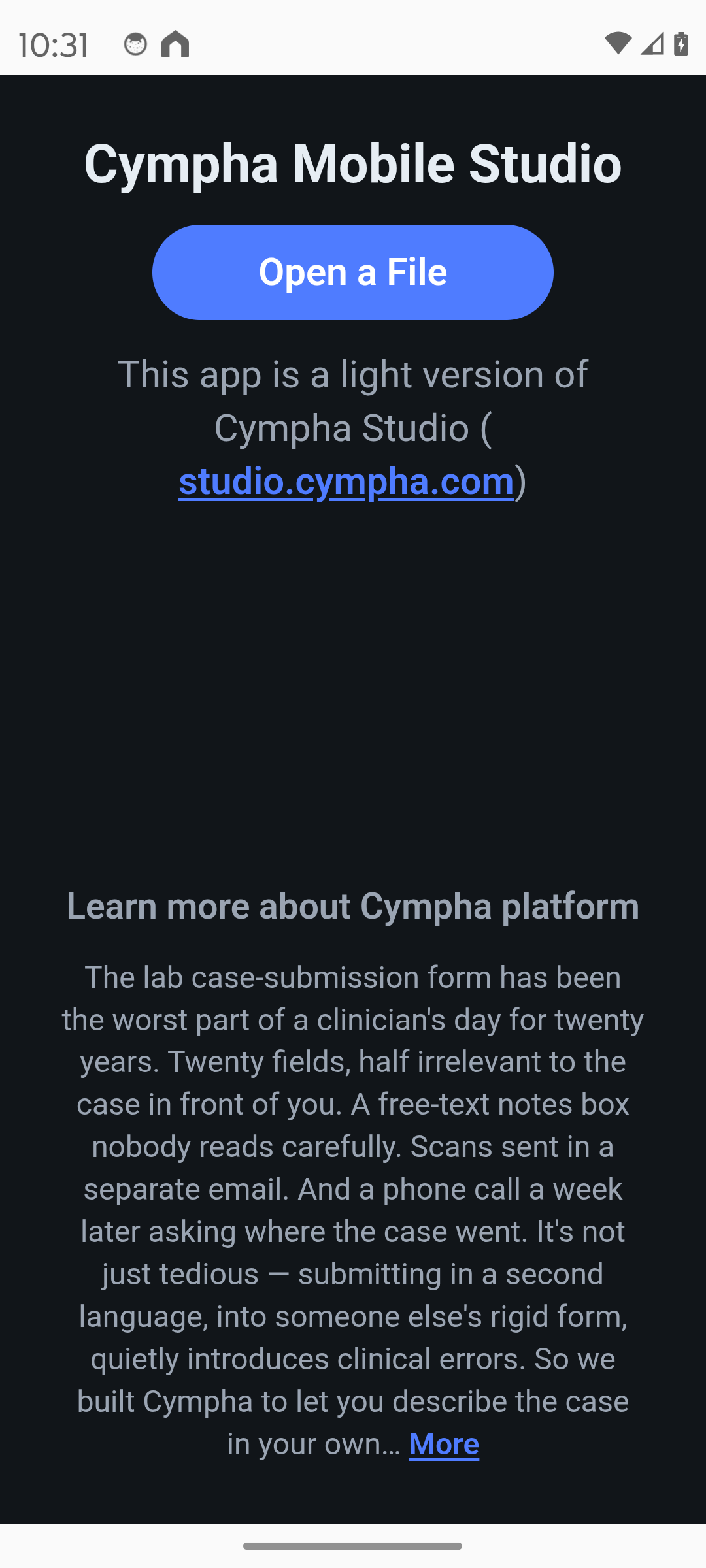
The light, on-the-go companion to Cympha Studio. Open a 3D scan or a GuideMia case file on your phone, look it over, and hand it to your Cympha account when you're ready — no desktop needed for the first look.
A light version of Cympha Studio · Privacy policy
What it looks like
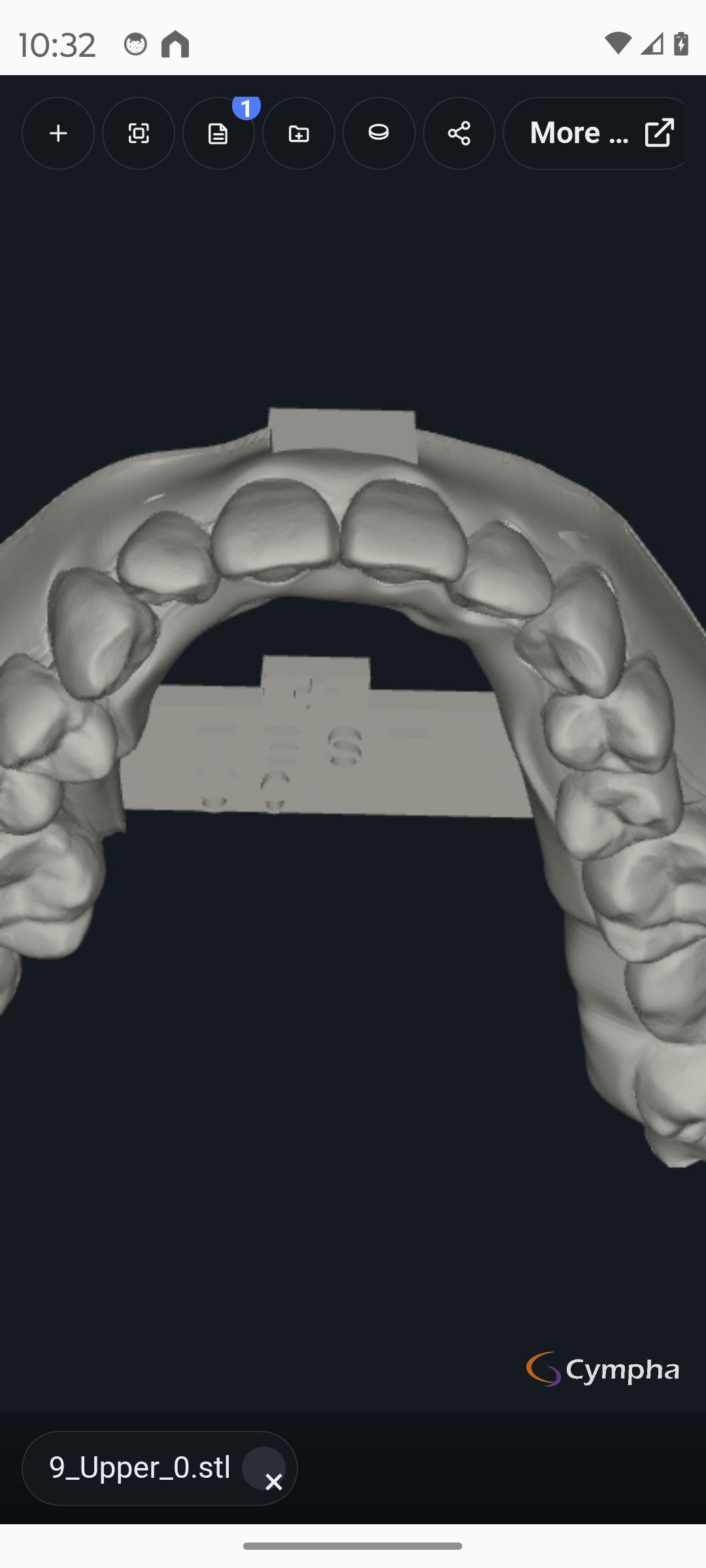
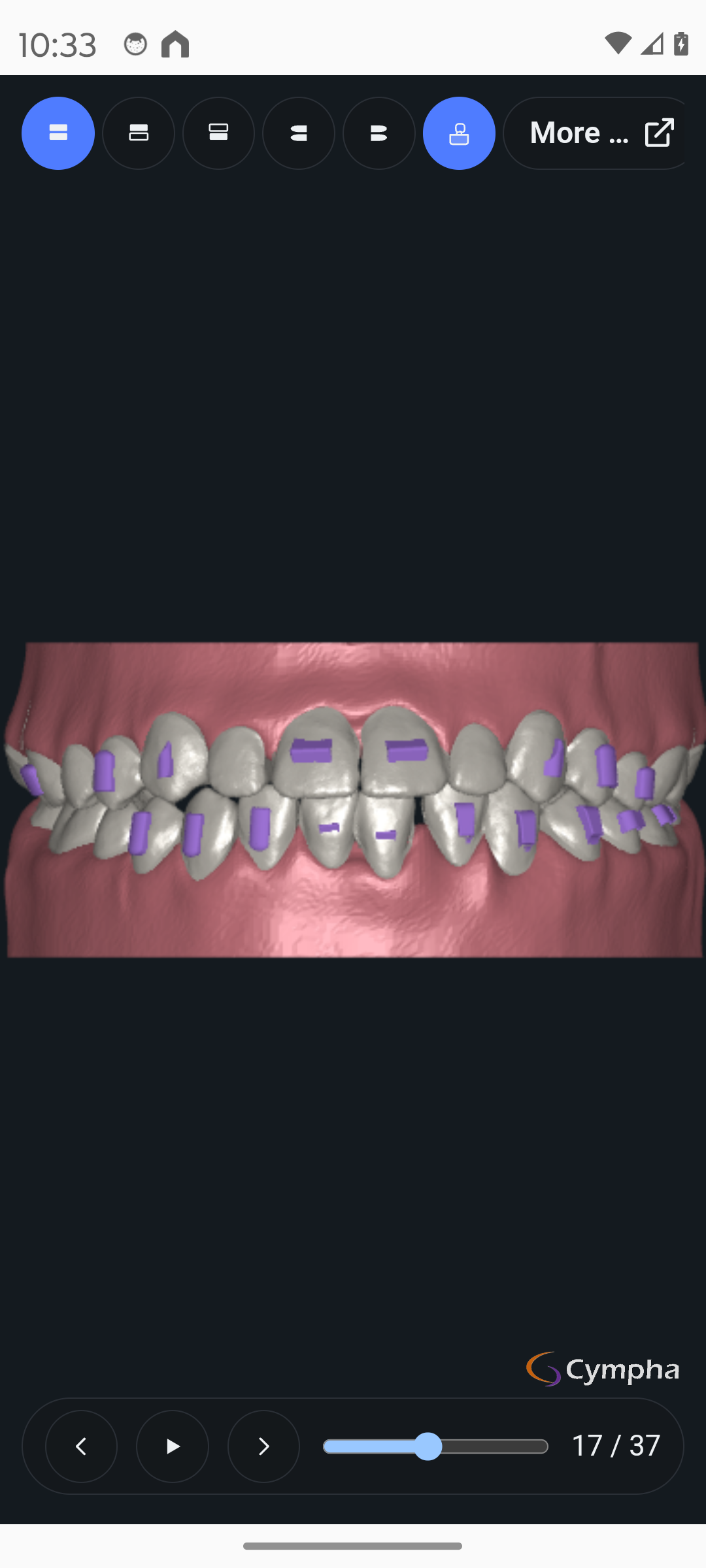
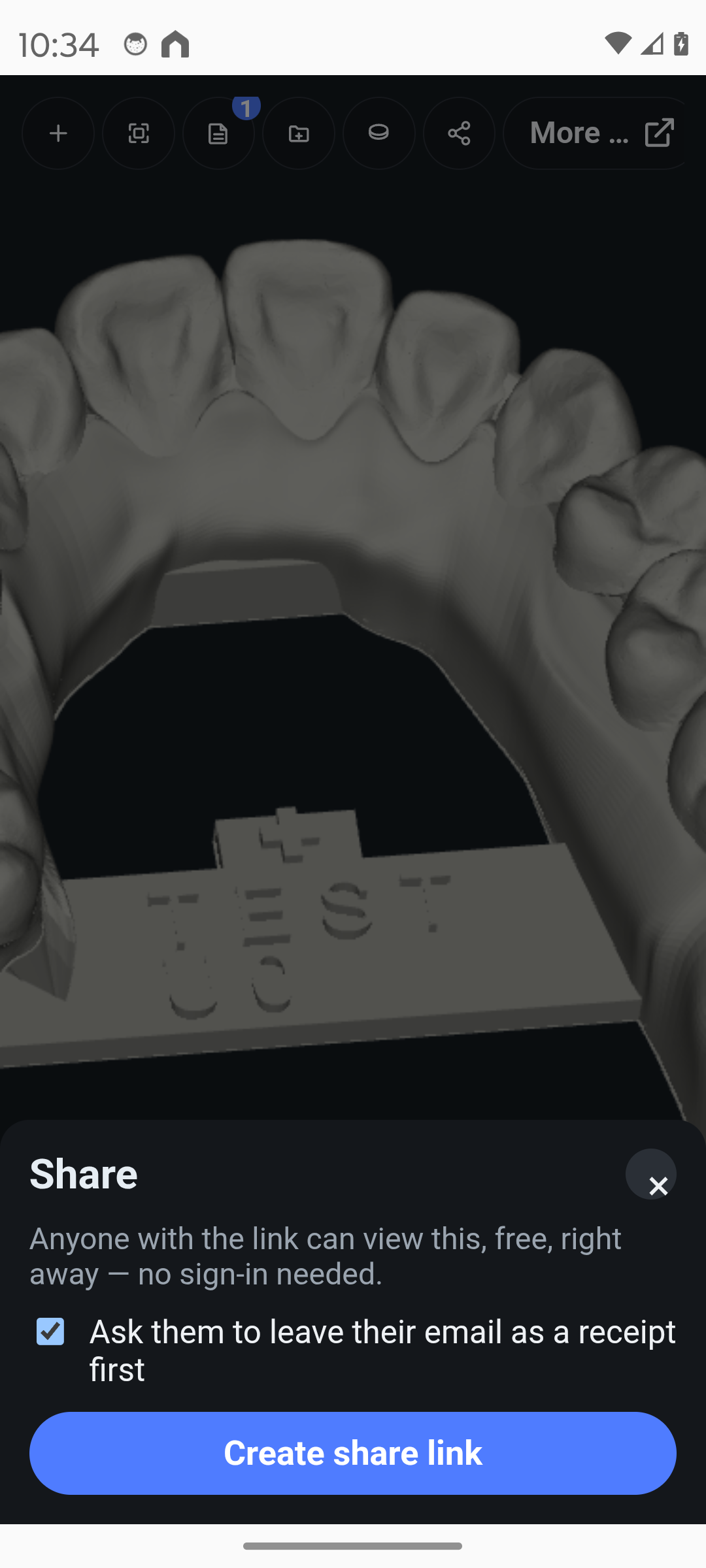
Real screens from the app.
What it does
Six things, all one tap from the file you're looking at.
Open 3D scans
STL, PLY, and OBJ files — shared from WhatsApp, Telegram, Messenger, WeChat, email, or your file manager, straight into a full-screen 3D viewer.
Step through case files
Open GuideMia case files (.gvw): play, scrub, jaw and view presets, tissue on/off.
Create Cympha Case
Stage the open files with a note, then finish in your browser, signed in to your Cympha account.
Submit to AlignerBot
Submit an aligner case — a full treatment plan comes back to the case for your review and approval.
Share as a link
Turn the open files into a link anyone can view in Cympha Studio, no sign-in needed, with an optional email receipt.
Continue in Studio
Open what you're looking at in the full Cympha Studio web app, where the planning, staging, and design tools live.
What it doesn't do
This app is a viewer and a hand-off tool. It does not perform any planning, decision-making, or design itself. Those happen in Cympha's web applications, in your own account. The app reviews files on your device and, only when you tap one of the actions above, sends them to your Cympha account or to a share link.
Get the app
Free on Android. No account needed to view files.
Direct download (APK)
For regions where Google Play isn't available, such as mainland China.
Download APKAndroid will ask you to allow installs from your browser the first time. Updates are manual: download the new version from this page.
No account, no ads, no analytics in the app. Nothing leaves your phone until you tap an action. Privacy policy
Need the full workspace?
Cympha Studio runs in the browser with planning, staging, and design tools — the mobile app hands off to it in one tap.